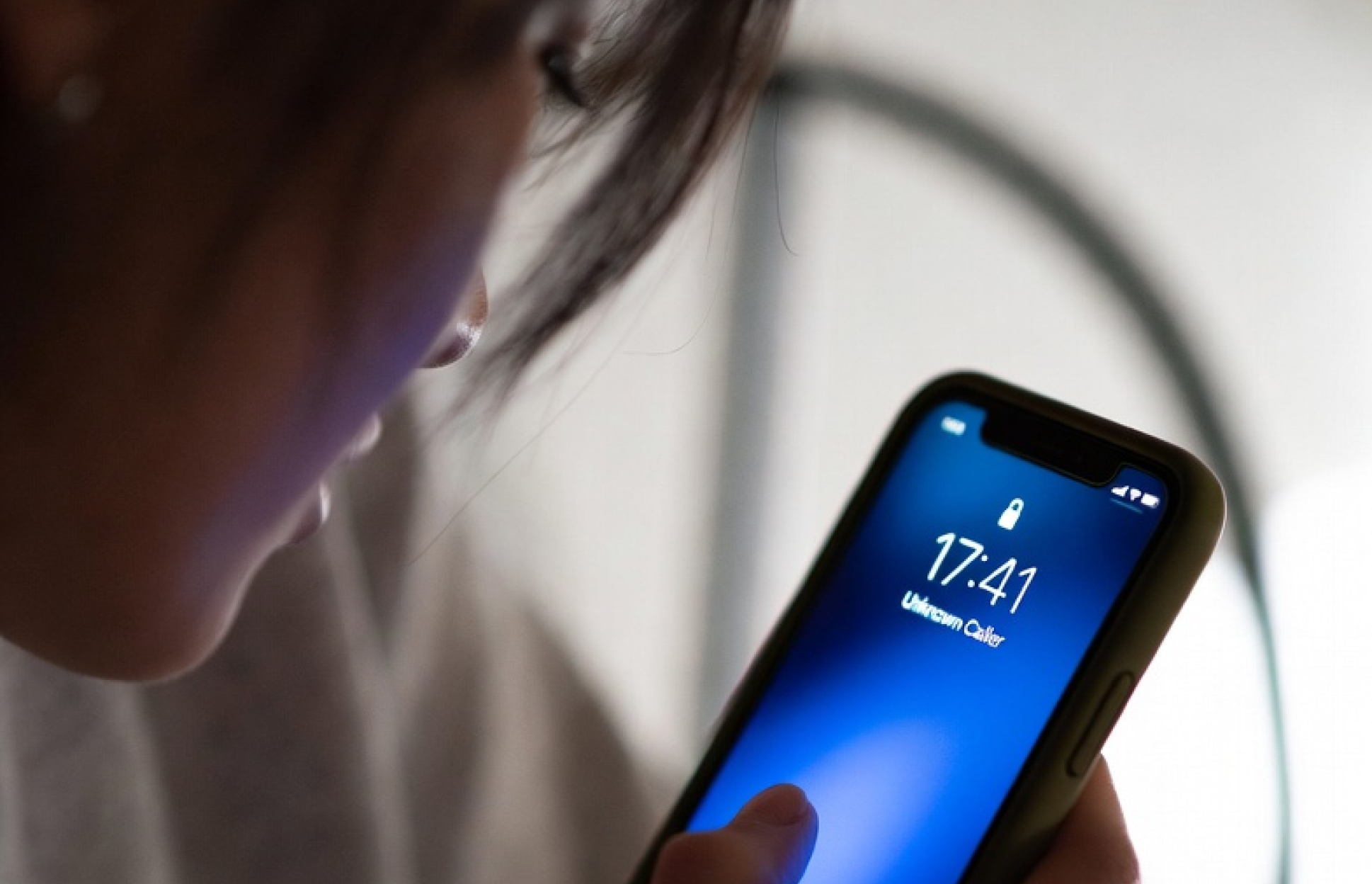
Spam calls on iPhone are more than annoying. They interrupt your day, waste your time, and sometimes try to trick you into giving away personal information. If your phone keeps ringing with “Unknown Caller,” “Spam Risk,” or random local numbers you do not recognize, you are not alone. As your number gets passed around through data brokers, lead forms, and breaches, unwanted calls can increase fast. The good news is that there are several ways to block spam calls on iPhone, and a few of them take less than a minute to set up.
What are spam calls?
Spam calls are unwanted phone calls, usually made in bulk. Some are harmless sales calls, but many are robocalls, scam attempts, phishing calls, or fake “urgent” messages meant to get money or personal data from you. Common examples include fake insurance offers, IRS threats, bank alerts, tech support scams, and “one ring” callback traps.
One reason they feel so relentless is that they are cheap and easy to place. Auto-dialers can blast out thousands of calls in minutes, and scammers often spoof local area codes to make the number look familiar. That is why so many people ask, “Why am I getting so many spam calls all of a sudden?” Often, it means your number has landed on a calling list and is now being recycled across multiple campaigns.
What happens if you answer a spam call?
Answering a spam call does not automatically hack your iPhone, but it can confirm that your number is active. That alone can lead to more spam calls later. Some callers want you to speak, press a number, or call back. Others only need to verify that a real person picked up. In more dangerous cases, the goal is to scare you, rush you, or trick you into sharing passwords, payment info, or verification codes.
If you answer by mistake, hang up. Do not press buttons. Do not share information. Do not call the number back unless you are certain it is legitimate.
How to block spam calls on iPhone using built-in settings
Apple gives iPhone users a few solid tools right out of the box. They are not perfect, but they are a good first step.
1. Turn on Silence Unknown Callers
This is one of the easiest ways to cut down interruptions.
Go to:
Settings > Apps > Phone > Silence Unknown Callers
Turn it on.
When enabled, calls from numbers not in your contacts, recent outgoing calls, or Siri Suggestions will be silenced and sent to voicemail. Your iPhone will not ring for those callers.
This helps a lot, but it has a downside: it may also silence real calls from doctors, schools, contractors, recruiters, or delivery drivers if they are not already known to your phone.
2. Block individual numbers
If the same spam number keeps calling, you can block it manually.
Open the Phone app, tap the i next to the number in Recents, scroll down, and tap Block Caller.
This works well for repeat offenders, but most spam callers rotate numbers constantly, so blocking one by one is not enough on its own.
3. Enable carrier spam filtering if available
Some carriers offer extra spam protection tools or labels like “Spam Risk” or “Scam Likely.” These can help identify suspicious calls before you answer. Carrier tools are useful, but they are usually limited to their own detection systems and may not catch newer spoofed numbers fast enough.
4. Use a call blocking app on iPhone
iPhone supports third-party call filtering apps that can identify or block suspected spam numbers. After installing one, you usually enable it in:
Settings > Apps > Phone > Call Blocking & Identification
This is where a more advanced blocker can make a real difference, especially if you want smarter protection than a static block list.
Why built-in iPhone spam protection is not always enough
Apple’s settings help, but they do not solve everything. Spam callers change numbers, spoof local codes, and adapt quickly. Basic blocking can also create a tradeoff: either you let more calls through, or you risk missing legitimate ones.
That is the real gap. Most people do not just want fewer spam calls. They want fewer interruptions without blocking real people who matter. That is where AI-based call filtering stands out. Instead of relying only on a fixed list of known bad numbers, an AI blocker can look for patterns, suspicious behavior, and shared reports in real time.
A smarter way to block spam calls on iPhone
If you want stronger protection, using a dedicated spam blocking app adds another layer beyond Apple’s built-in tools. A smarter app can help identify likely spam faster, improve over time, and give you more control over which calls get through.
Built-in iPhone settings are a solid start, but they often either miss new spam numbers or silence legitimate calls. An AI-powered blocker helps bridge that gap by adding intelligence, adaptability, and better control. The strongest value prop is not just “block spam,” but “block spam without shutting out real calls.”
Best practices to reduce spam calls on iPhone
Blocking tools help, but your habits matter too.
Do not answer numbers you do not recognize unless you are expecting a call.
Do not call back suspicious missed calls, especially one-ring calls.
Do not tap links sent by unknown callers or follow voicemail instructions that feel urgent or strange.
Use voicemail as a filter. Real callers usually leave a message.
Be cautious when entering your phone number on sweepstakes forms, coupon sites, or low-trust websites.
If a call sounds urgent, hang up and contact the company directly using its official website or app.
These small steps can reduce how often your number gets validated and recycled through spam systems.
Can you stop spam calls on iPhone for good?
You can reduce them a lot, but there is no single switch that eliminates every spam call forever. The most effective approach is layered:
Use Apple’s built-in iPhone settings.
Block repeat offenders.
Enable carrier tools.
Add a dedicated spam call blocker.
Stay cautious with unknown callers.
That combination gives you the best shot at taking control of your phone again. iPhone’s built-in tools are helpful, but a dedicated AI layer is what moves you from “managing spam calls” to actually staying ahead of them.
Final thoughts
If you have been searching for how to block spam calls on iPhone, start with the built-in settings today. Turn on Silence Unknown Callers, block repeat spam numbers, and check your carrier protections. Then, if spam is still slipping through or you are worried about missing real calls, add a smarter blocking solution on top.
Spam calls are not going away anytime soon, but your iPhone does not have to keep ringing for every scammer, robocall, or spoofed number that finds its way to you.
Frequently Asked Questions
Does blocking a number on iPhone notify the caller? No. When you block a number on iPhone, the caller receives no notification. Their calls are silently declined, texts are not delivered, and they have no way of knowing they have been blocked.
Will Silence Unknown Callers block all spam calls? Not entirely. It silences calls from numbers not in your contacts or Siri Suggestions, but determined spammers who spoof numbers that appear local or familiar may still get through. It also risks silencing legitimate callers like doctors or delivery services.
Can spam callers hack my iPhone just by calling? No. Simply receiving a call cannot compromise your iPhone. The risk comes from engaging — answering, pressing buttons, sharing information, or calling back. If you answer by mistake, hang up without interacting.
Why am I suddenly getting more spam calls? Your number likely landed on a calling list, either through a data breach, a lead form you filled out, or a broker selling consumer data. Once it’s on one list, it tends to get shared across multiple campaigns quickly.
Is there a do-not-call list for iPhones? The FTC’s National Do Not Call Registry exists, but it has limited effectiveness against scammers and robocallers who ignore it. It works better for legitimate telemarketers. Spam callers operating illegally do not check the list.
What is the best spam call blocker for iPhone? Popular options include Robokiller, Hiya, and Nomorobo. Each uses a combination of known spam number databases and pattern detection. The best choice depends on how aggressive you want filtering to be and whether you want AI-based detection.
Should I answer a call and tell them to stop calling? No. Engaging with spam callers — even to ask to be removed — confirms your number is active and can lead to more calls, not fewer. Silence or blocking is more effective.